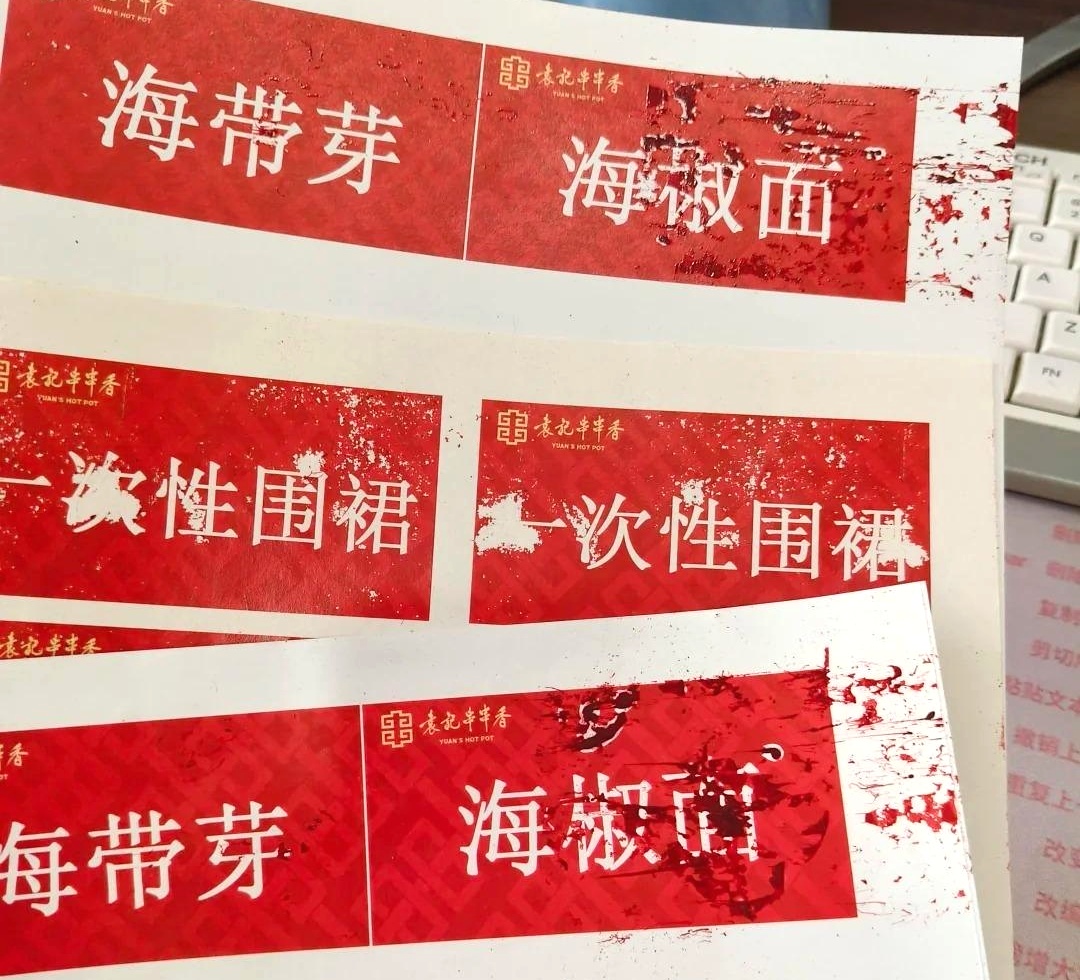
Ink splatter mainly results from poor environment (wrong temp/humidity, airflow), low-quality/mismatched ink, incorrect printhead height (over 2mm) or clogged nozzles, static buildup, and improper settings/maintenance. Fixes: keep temp 15–30°C, humidity 40%–60% RH, avoid direct airflow; use YiliJet genuine ink; set printhead height 1.5–2mm; ground devices, remove static; calibrate parameters and maintain regularly.
More than 90% of ink splattering during printing with a plotter is caused by five core issues: abnormal temperature and humidity in the environment, static electricity buildup, improper printhead parameters, incompatible ink, and inadequate equipment maintenance. Most faults do not require part replacement and can be resolved through parameter calibration and environmental rectification. YiliJet—XENONS has specialized in inkjet technology , helping you quickly identify and resolve issues efficiently.
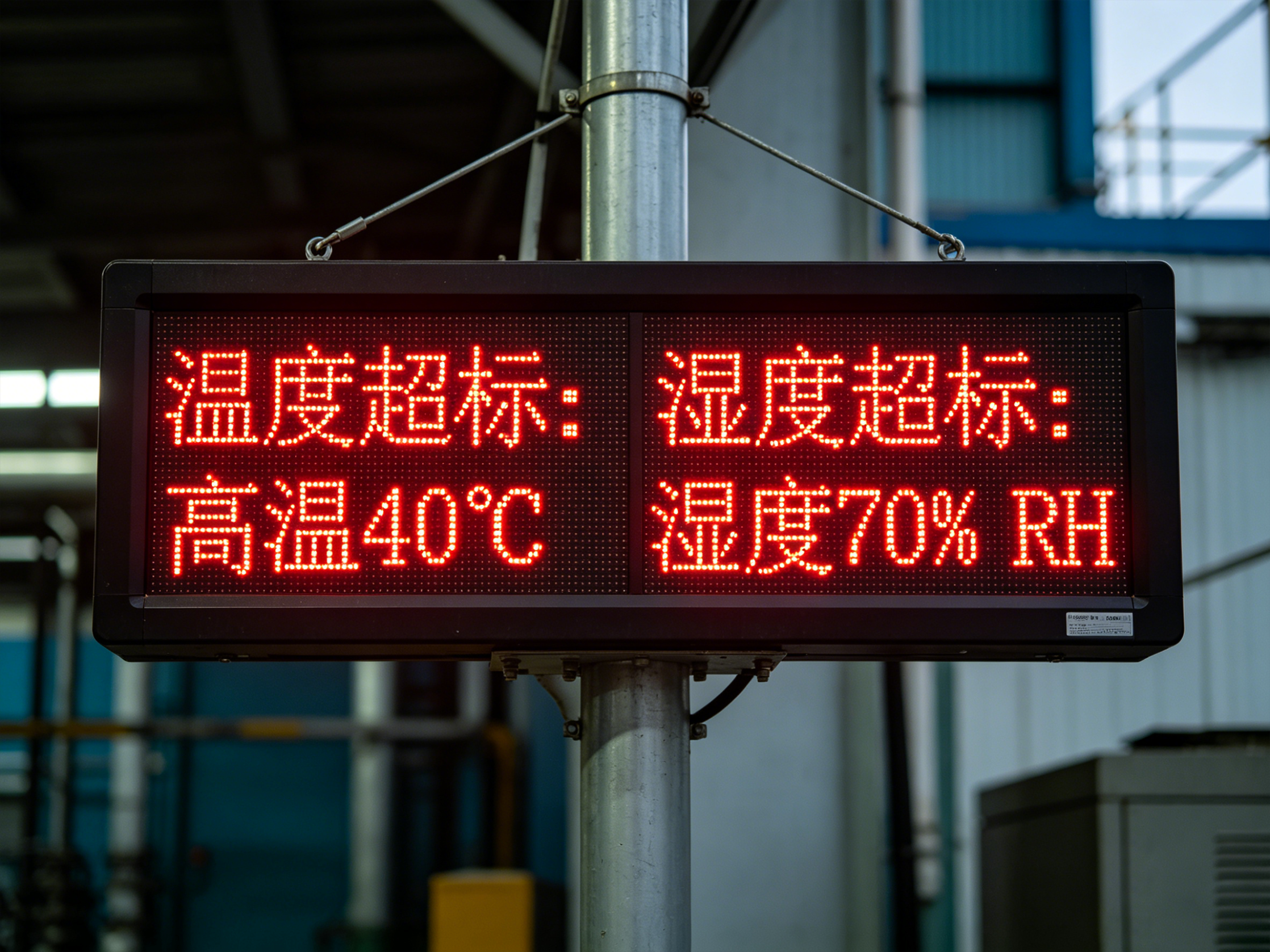
I. Environmental Factors: Imbalanced Temperature and Humidity – the Leading Cause of Ink Splatter
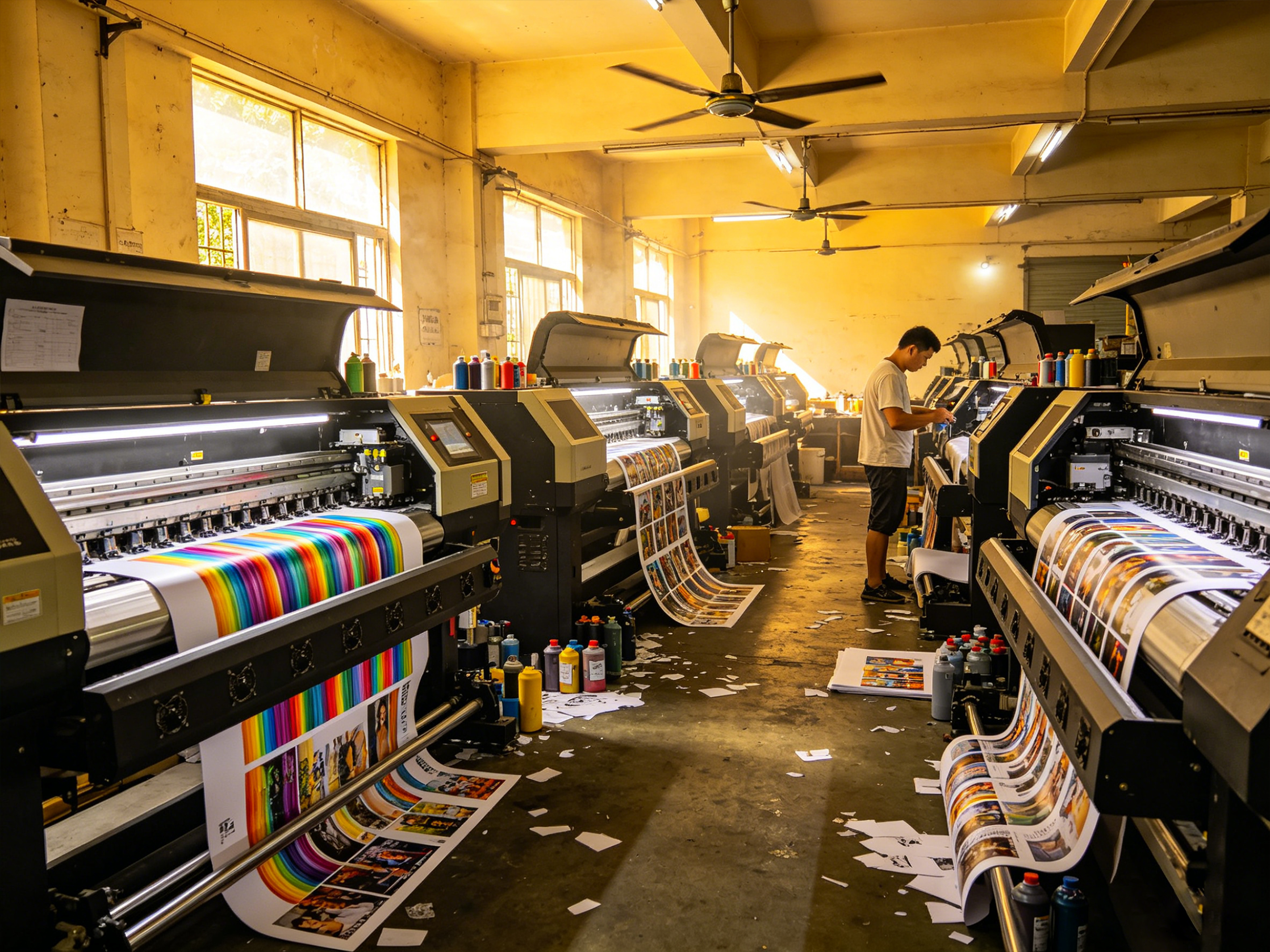
Inkjet printing has extremely high requirements for the working environment. A standard printing environment has a temperature of 15–30°C and a relative humidity of 40%–60% RH (no condensation). Exceeding these environmental parameters directly disrupts the physical stability of ink, leading to ink splatter. Excessively dry environments generate large amounts of static electricity, while humid environments dilute and degrade ink. Additionally, airflow from air conditioners or fans blowing directly on the equipment disrupts the trajectory of ink droplets, causing scattered ink dots and smudged prints. This is the most common fault trigger in advertising and UV printing workshops.
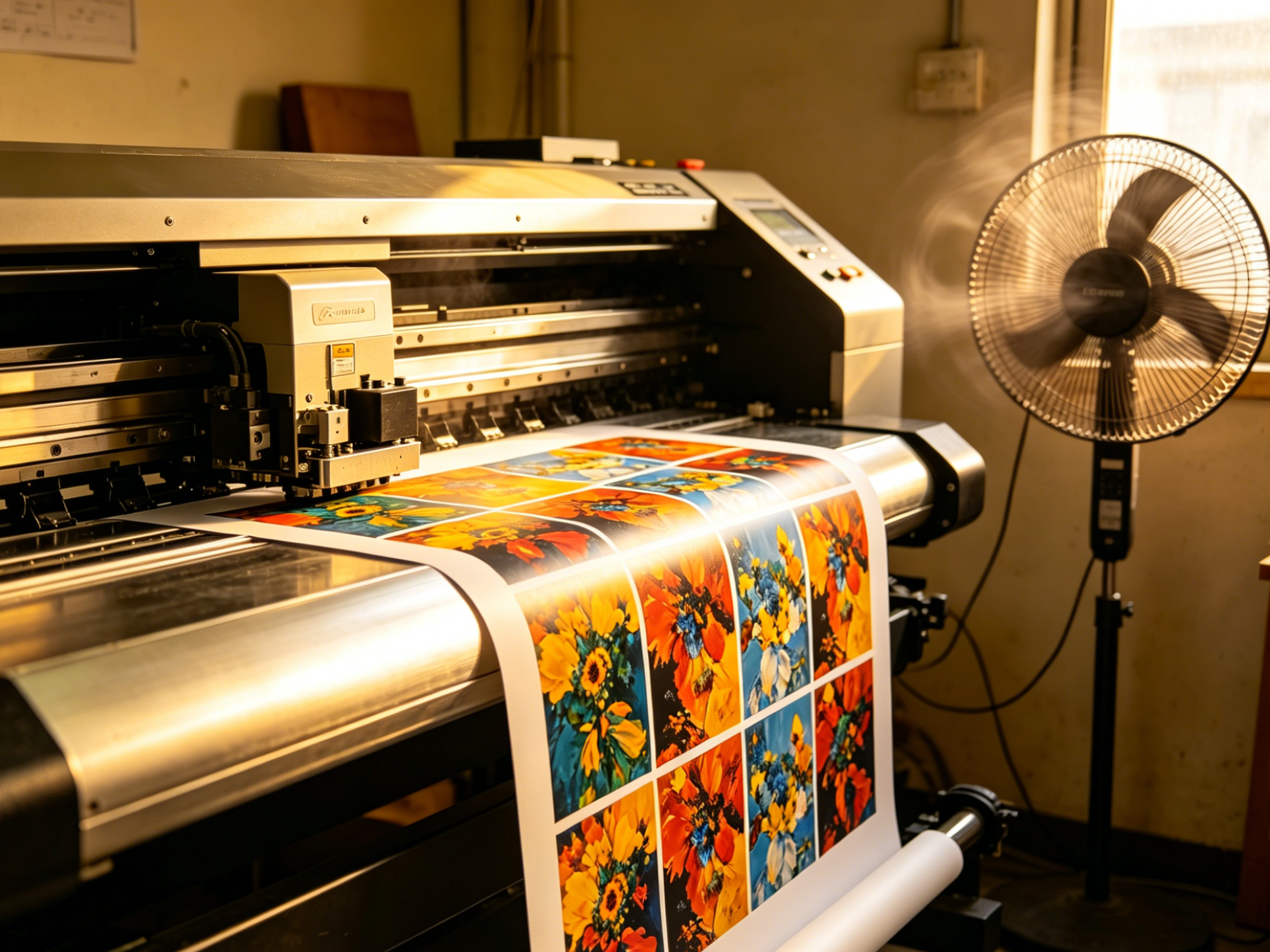
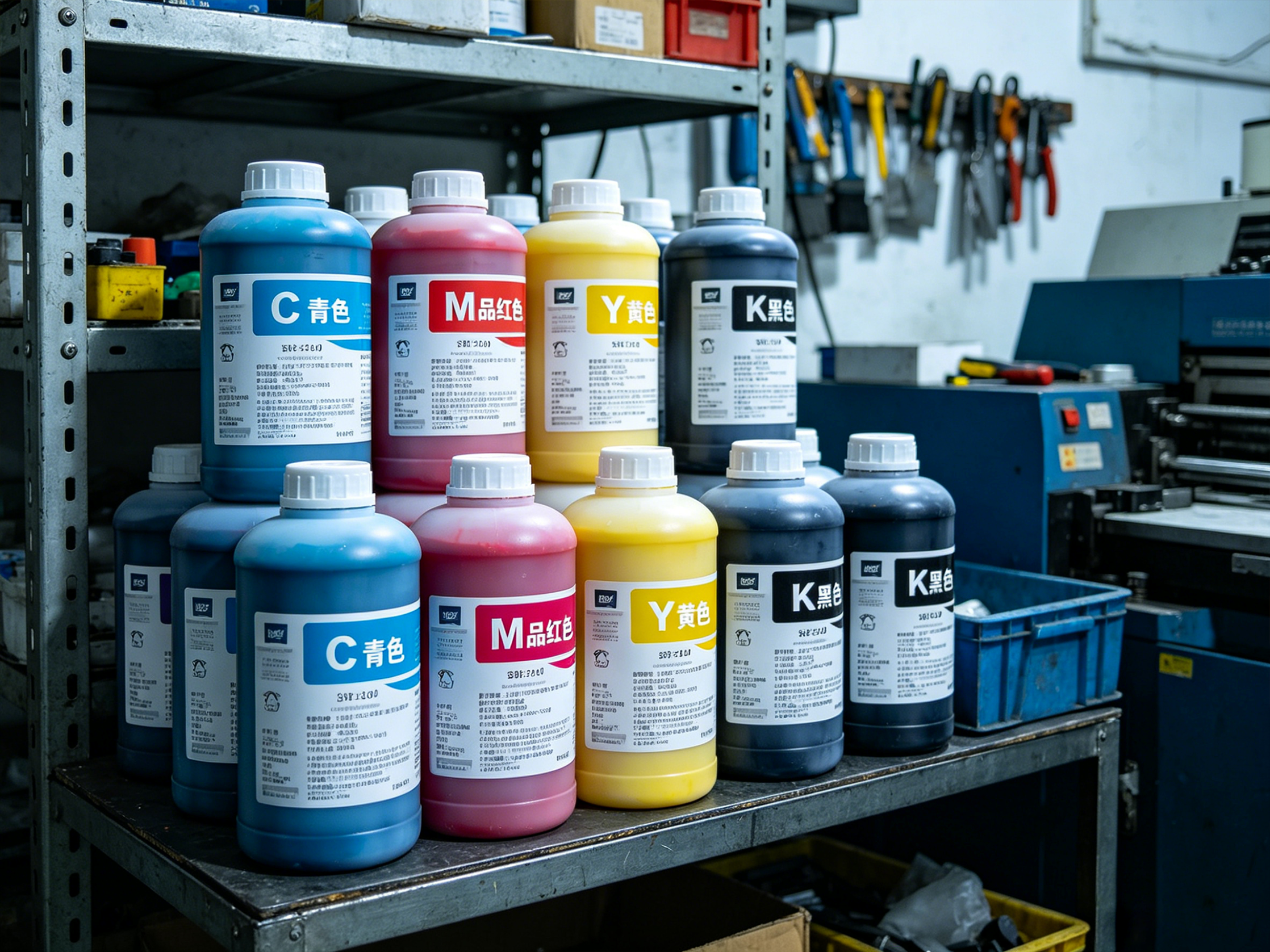
II. Ink Issues: Low-Quality/Incompatible Ink Directly Causes Splattering
Ink is the core consumable for printing. Non-genuine ink, expired ink, and mixing inks from different brands are the main human-induced causes of ink splatter. Non-standard ink has viscosity, surface tension, and printhead waveform compatibility issues, resulting in uneven ink droplet atomization, trailing ejection, and scattered fine ink mist. Long-term use of low-quality ink not only leads to frequent splattering and blurry prints but also gradually clogs nozzles, shortens printhead lifespan, and increases equipment maintenance costs. YiliJet dedicated ink is compatible with all XENONS plotters, offering high stability and resistance to ink splatter and nozzle clogging.
III. Printhead Malfunctions and Improper Parameters: Frequent Hardware-Related Triggers
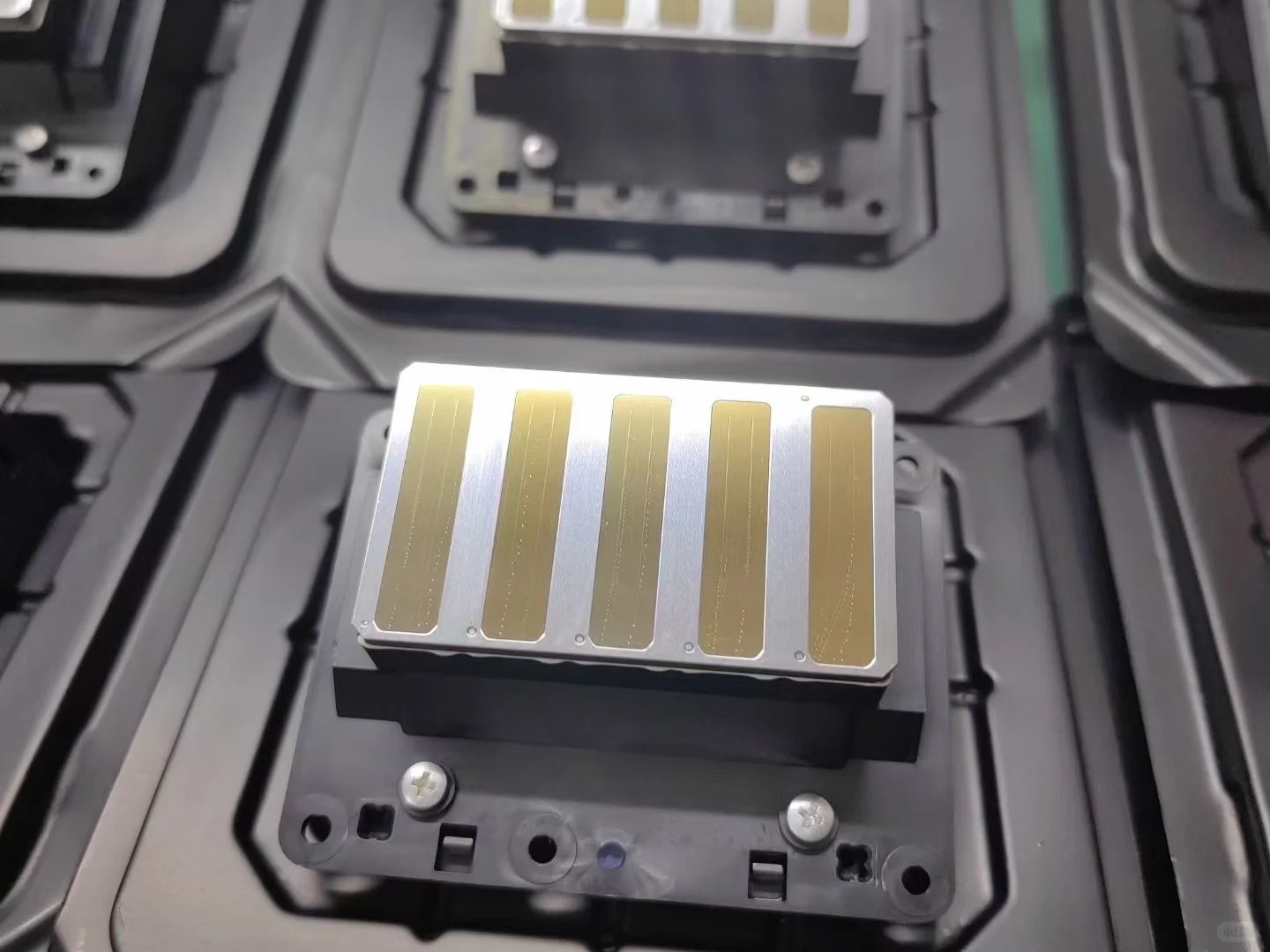
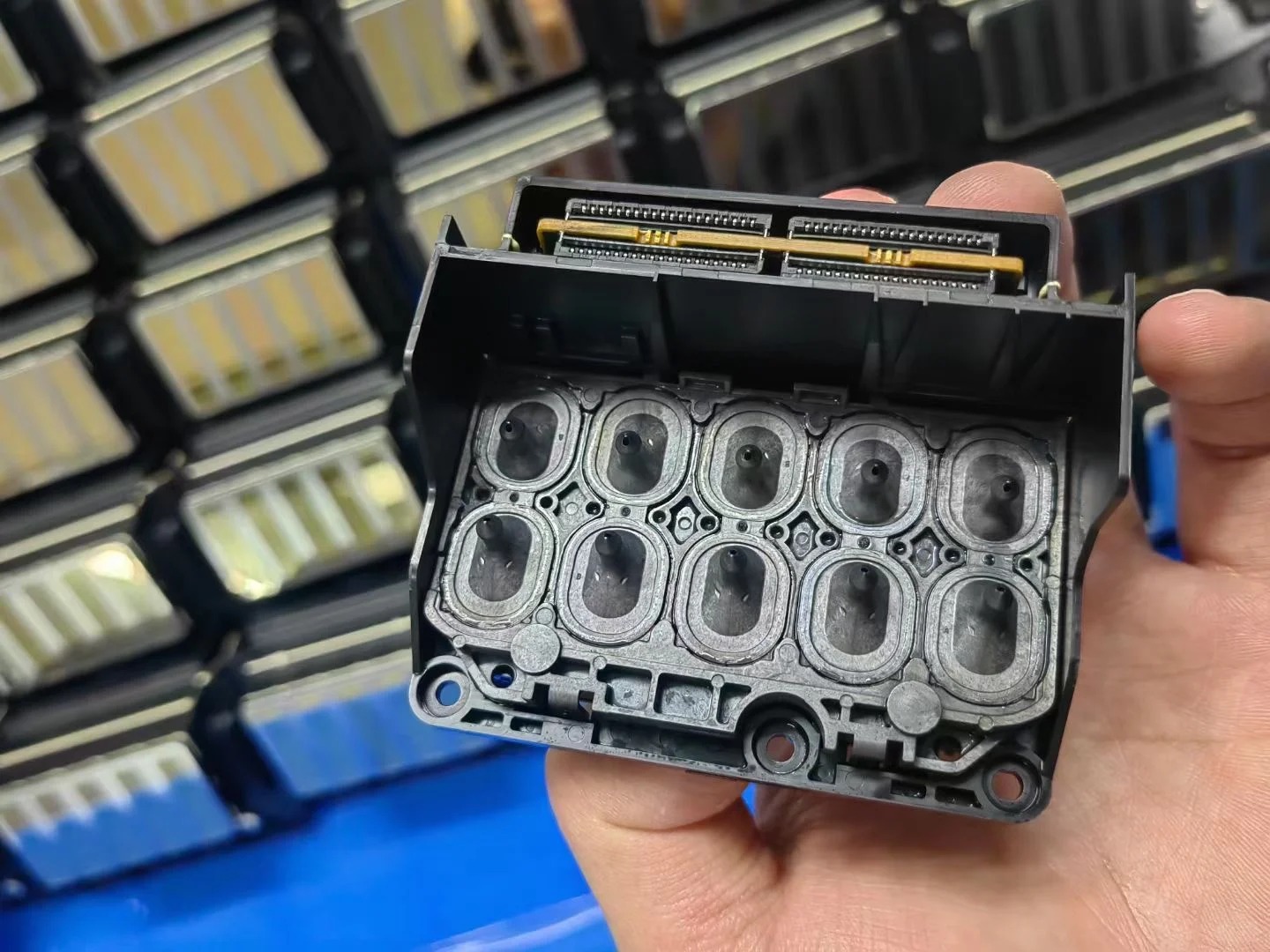
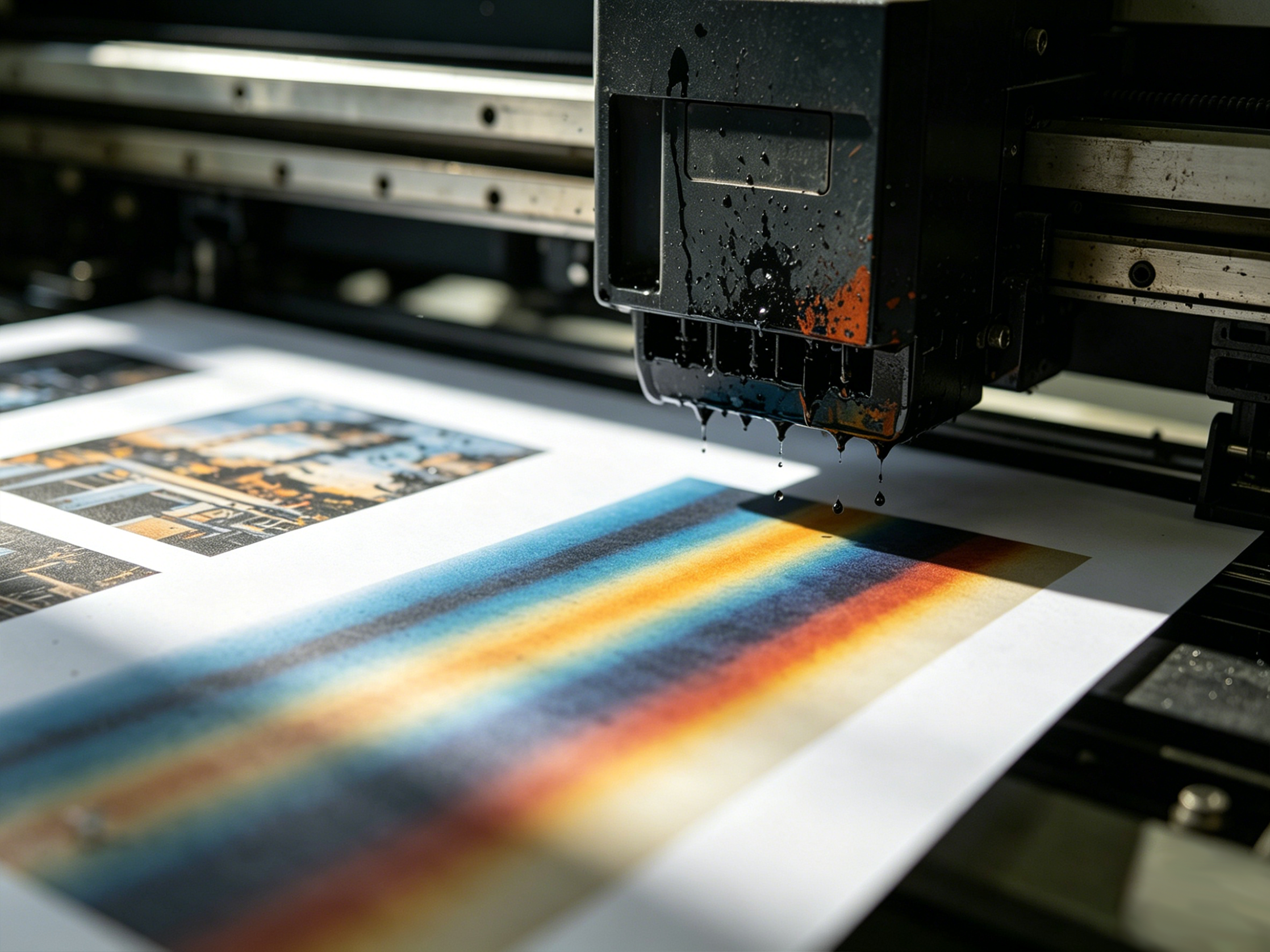
Printhead height exceeding 2mm, voltage deviations, clogged or worn nozzles all cause ink splatter:
- A printhead that is too high makes ink droplets susceptible to airflow and static interference;
- Abnormal voltage leads to chaotic ink droplet splitting and weak ejection;
- Ink buildup or misaligned ejection from nozzles results in spot splattering and frayed print edges.
- XENONS plotters are equipped with Epson I3200 printheads, factory-calibrated for precision with intelligent monitoring and early warning.
IV. Static Electricity Interference: A Hidden Hazard Easily Overlooked in Dry Seasons
Static electricity is the core hidden cause of ink splatter in autumn, winter, and dry workshops. Printing media such as acrylic, PVC, film, and textile fabrics easily accumulate static electricity. Combined with unreliable equipment grounding and a lack of static elimination devices in the workshop, static electricity builds up continuously. Static electricity strongly attracts fine ink mist in the air, causing large areas of splattered smudges. It also interferes with printhead circuit signals, disrupting ejection and significantly increasing waste rates during mass printing. XENONS devices feature a built-in intelligent static elimination module to reduce static electricity at the source.

V. Equipment Maintenance and Settings: Improper Operation Exacerbates Faults
Oversights in daily operation and maintenance continuously worsen ink splatter issues. Excessive printing speed and incorrect uni/bi-directional printing parameters cause inconsistent ink flow during high-frequency printhead operation. Air leaks in the ink supply system, clogged ink tubes, and poor ink cap sealing result in unstable ink supply pressure. Infrequent cleaning of printheads, guide rails, and ink pads leads to accumulated dust and dried ink, which impairs equipment operation accuracy and repeatedly triggers ink splatter faults.
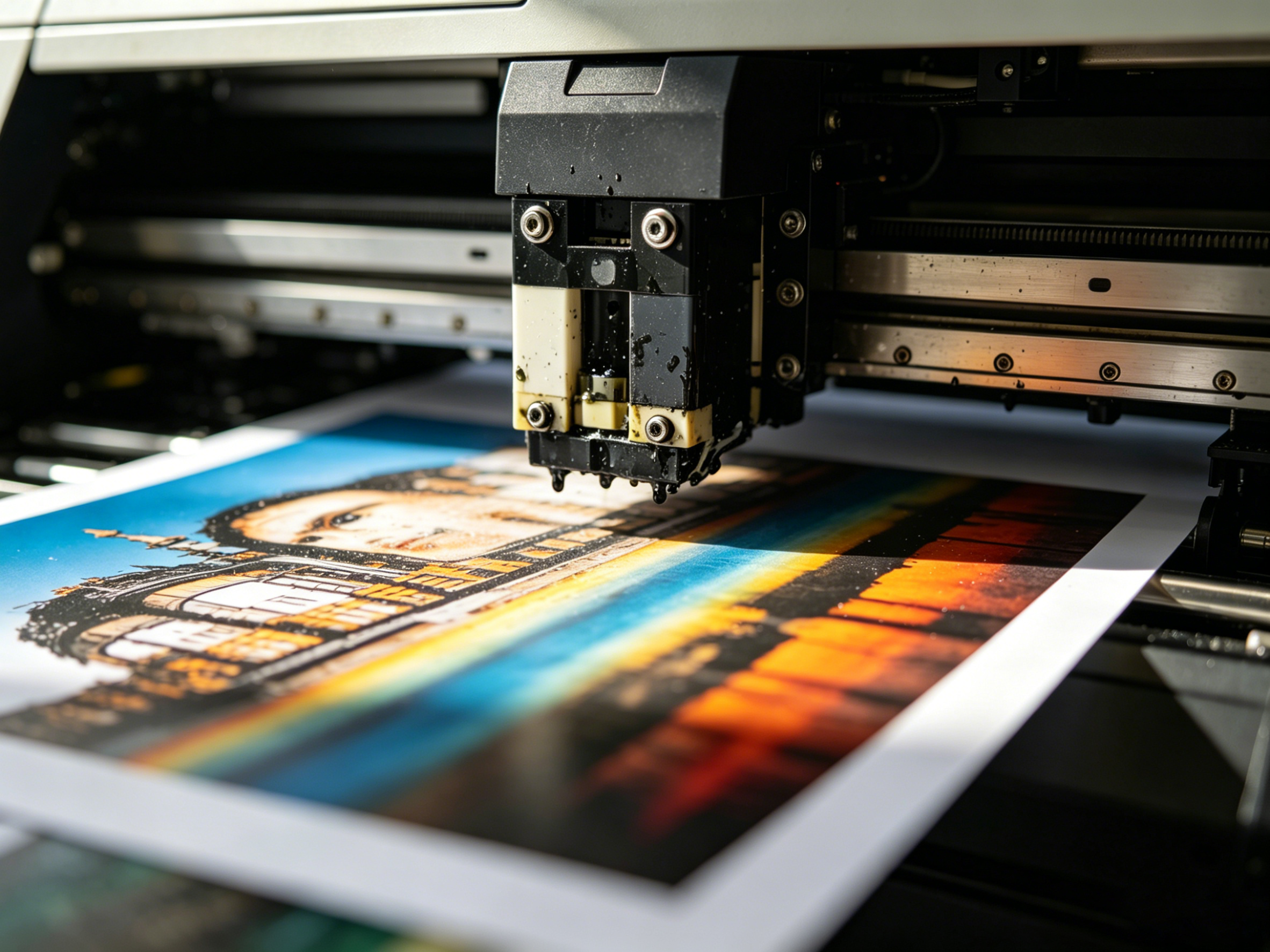 VI. Core Fault Parameters and Quick Solution Guide
To facilitate rapid troubleshooting and rectification, standard workshop printing parameters are compiled to precisely resolve ink splatter issues:
- Environmental parameters: Constant temperature 20–25°C, constant humidity 40%–60%, no direct airflow blowing on the printing platform.
- Printhead parameters: Standard printing height 1.5–2mm, adjust slightly based on media thickness—lower height ensures greater stability.
- Consumable standards: Use genuine YiliJet compatible ink; avoid mixed, expired, or low-quality consumables.
- Static protection: Ensure reliable equipment grounding at all times; wipe media to remove static electricity in dry seasons.
- Maintenance schedule: Clean printhead ink pads daily, inspect ink supply systems weekly, calibrate printhead parameters monthly.
VII. Brand Strength and Service Assurance

Industry Experience: Wuhan YiliJet Group has specialized in digital inkjet technology, focusing on equipment R&D and implementation across advertising plotter printing, UV printing, packaging pre-press, corrugated packaging, and textile printing. Having served over 3,000 advertising, packaging, and textile manufacturers nationwide, we have mature troubleshooting and rectification solutions for ink splatter faults in various scenarios.
Professional Technology: The five flagship brands under our group—XENONS, Xiangcai, Yongle, Linglong, and YiliJet—are all equipped with high-precision Epson printheads. They feature built-in intelligent static elimination modules, temperature and humidity adaptive systems, and stabilized ink supply systems, reducing ink droplet atomization and splatter risks at the hardware level, and are compatible with all types of printing media.
Service Assurance: We have a vast collection of on-site workshop rectification photos and videos. For special scenarios such as low-temperature dry workshops, large-format board UV printing, and textile printing, we provide customized debugging solutions. We offer free on-site inspection, printhead calibration, and parameter debugging services, along with full-machine warranty and lifelong one-on-one technical support to quickly resolve all printing faults.

VIII. Frequently Asked Questions
-
Ink splatter is especially severe in winter. Are there any quick emergency solutions?
Yes. First, increase workshop humidity to 50%–60%, check if equipment grounding is secure, wipe the media surface with a dust-free alcohol cloth to remove static electricity, and reduce printing speed by 10%–20%. This will quickly alleviate static-induced ink splatter in winter.
-
Ink splatter occurs immediately after replacing ink. Is it a quality issue with the ink?
It is most likely due to incompatibility between the ink and the printhead waveform, or mixing old and new ink. We recommend emptying residual old ink from the ink path, replacing it with genuine compatible ink, and contacting technical personnel to calibrate printhead waveform parameters to resolve the fault.
-
Ink splatter persists even after frequent printhead cleaning. Do I need to replace the printhead?
Direct replacement is unnecessary. First, check the environment, static electricity, ink supply pressure, and printhead height parameters. If the nozzle test pattern shows persistent line breaks, misaligned ejection, or nozzle wear, then consider replacing the printhead to avoid unnecessary consumable costs.
-
Are the causes and solutions for ink splatter the same for UV printers and regular plotters?
The core triggers are essentially the same, with minor differences. UV printers require strict control of curing lamp power and UV ink viscosity, while regular plotters focus on resolving airflow interference, ink buildup on printheads, and static electricity accumulation. Targeted debugging and rectification can be implemented accordingly.
-
Will prolonged ink splatter damage the equipment and printheads?
Yes. Prolonged ink splatter leads to fine ink mist accumulation on printheads, guide rails, and circuit interfaces, causing nozzle clogging, short circuits, and equipment jams. Minor faults left unaddressed will result in printhead scrapping and equipment downtime. It is recommended to troubleshoot and rectify ink splatter issues promptly.

